
The Discord mobile app.
Product & Features

Squircles, Styles, and Spacing: How Your Feedback is Helping Improve Mobile

In 2025, we refreshed the desktop app with players in mind, bringing new themes, more ways to customize, and a cleaner look. Now we're bringing mobile in line with it, so the two feel like one Discord. That also lets us ship updates across both more consistently and address some of the things you missed most. 

The OG dark theme’s back. People are circles, and things are squircles. The chat bar has more breathing room. These are some of the biggest changes in our latest mobile update that help make Discord feel more consistent across mobile and desktop.
Desktop Themes 🤝 Mobile Themes

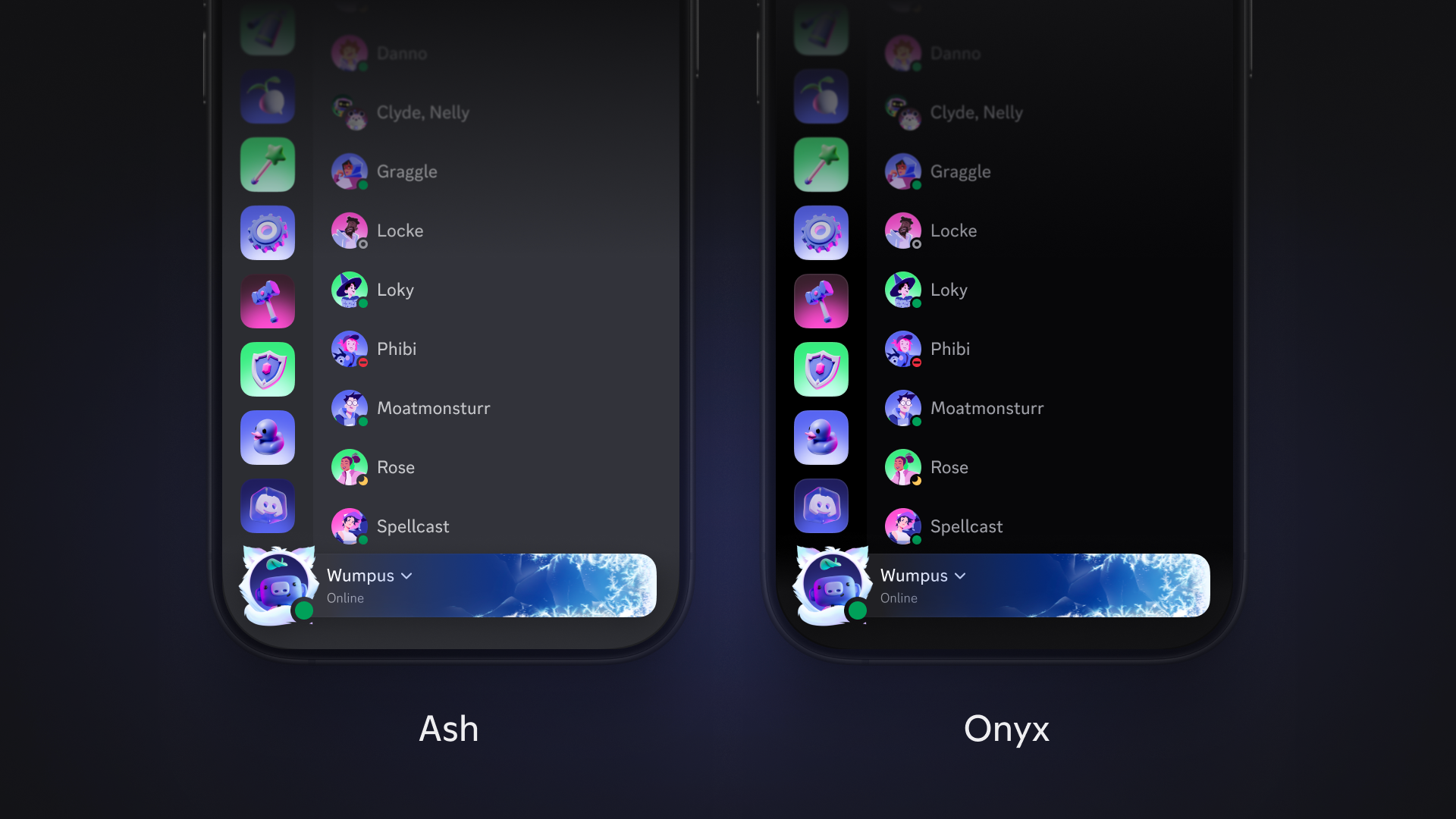
These days the OG dark theme goes by Ash. It's the same dark theme longtime players know and love, now with improved contrast to meet modern accessibility standards. After a lengthy stint on desktop, it's finally made it over to mobile. Additionally, all four base themes from desktop including Light, Ash, Dark, and Onyx are now available on mobile. 

Onyx is true AMOLED, not just "kinda dark". Onyx, previously known as Midnight on mobile, is now the same on both desktop and mobile. We're talkin’ true black backgrounds, not very dark gray. Actually black. On OLED screens, that can mean real battery savings. If you’d like to fine tune things, you'll find contrast and saturation controls in Accessibility settings. 

A side by side comparison of the Ash and Onyx Discord themes.

More Theme Customization for Mobile (And Desktop) 

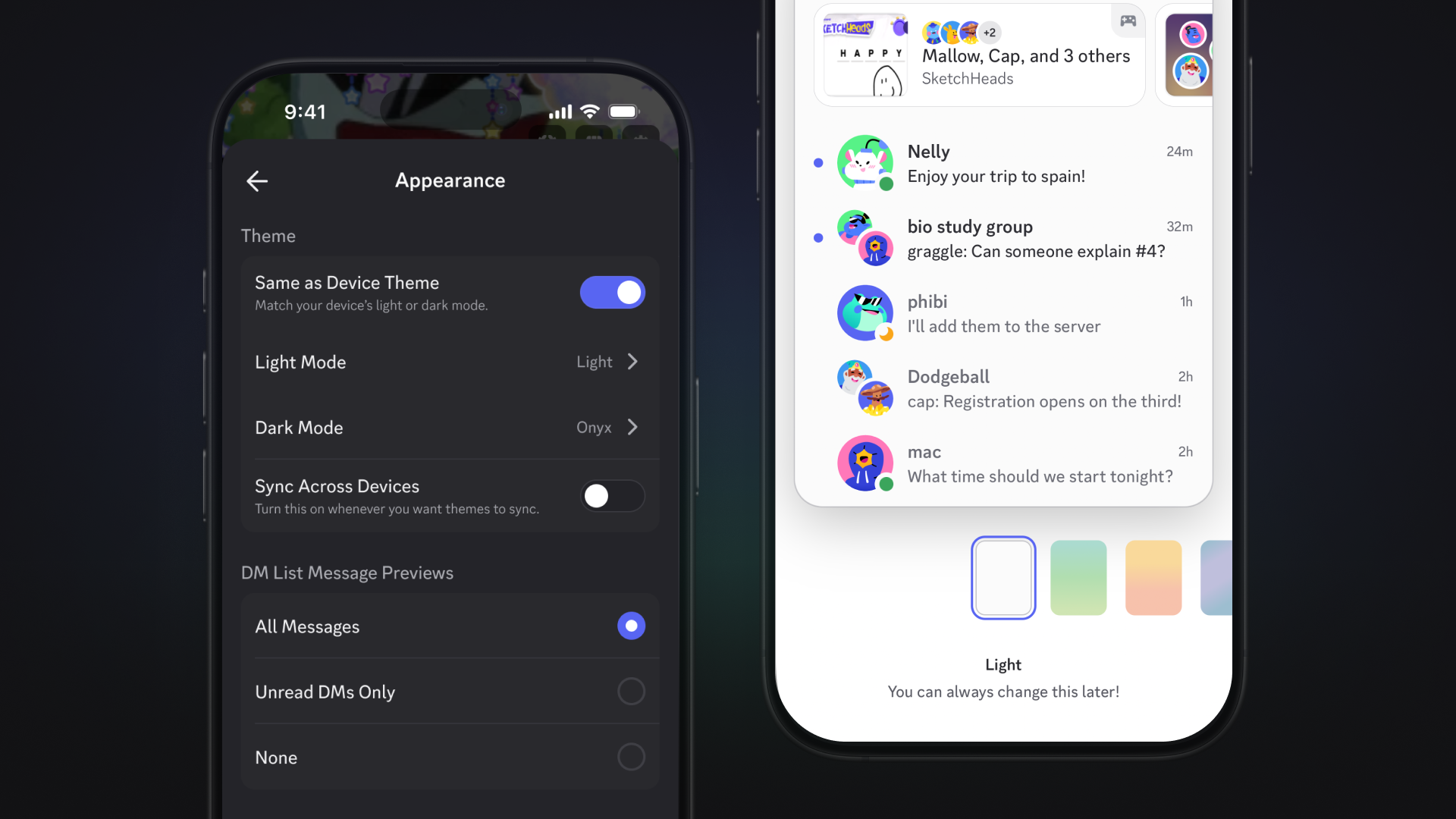
Rather than being forced to use our built-in Light and Onyx themes, you can decide for yourself which Light theme kicks in when your device is in Light mode, and vice versa for Dark themes in Dark mode. 

Start the day with a refreshing Mint Apple during Light mode. When the day is nearing its end, your moody Noir theme will kick in as your device shifts from Light to Dark mode. 

You’ll find the option to sync your Light and Dark themes with your device in Appearance settings, and toggling on “Same as Device Theme.” This takes priority over Sync Across Devices, and is even supported on the desktop app! 

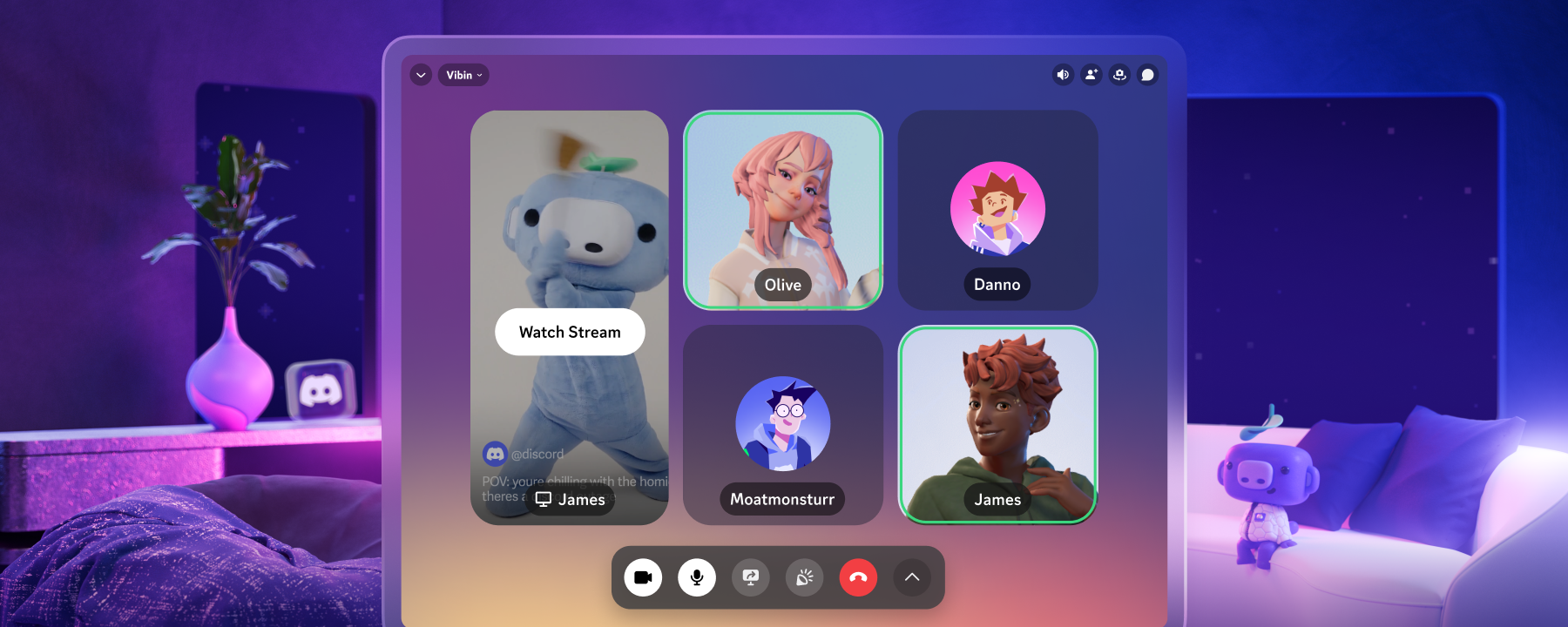
Speaking of themes, Nitro members’ voice & video tile backgrounds now match their chosen profile theme on desktop and mobile. To change it, just head to your profile and tinker around with your existing color theme. Once you’ve decided on a new profile theme, your call background will match!  

People Are Circles. Things Are Squircles.

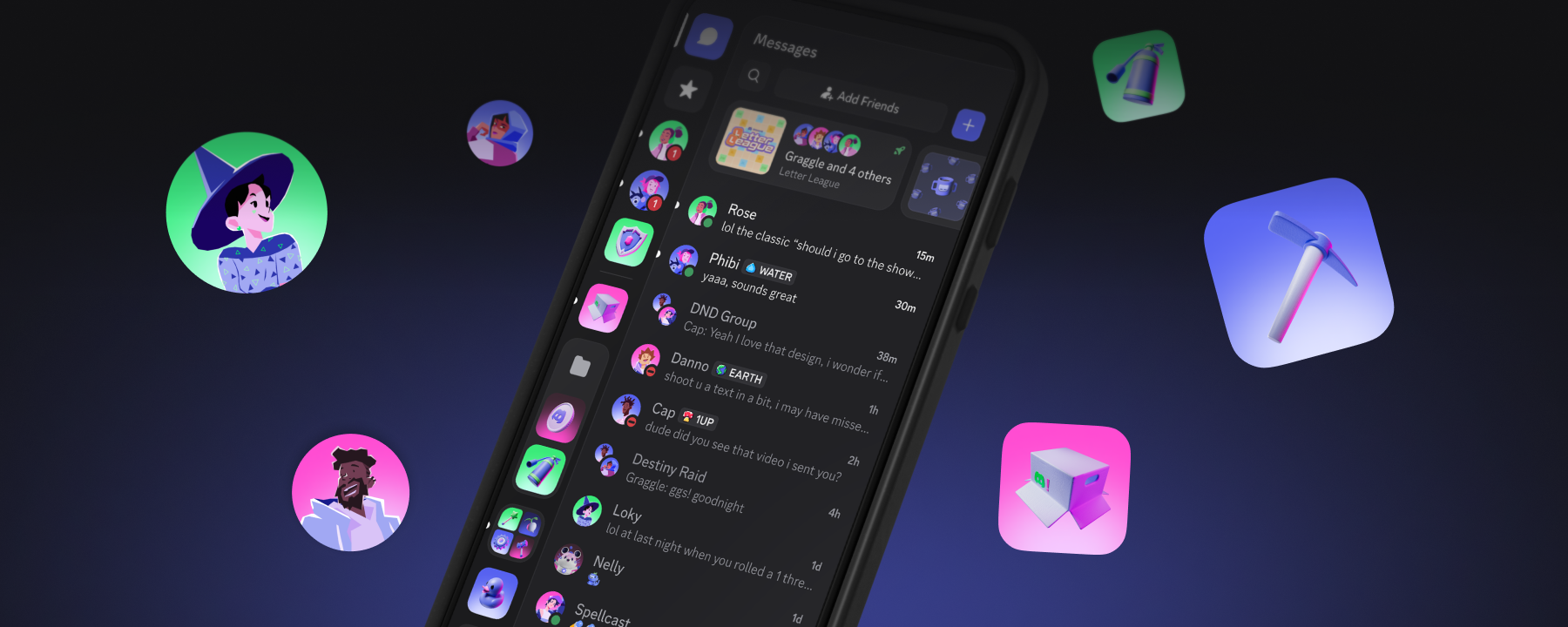
There’s a simple rule now, applied consistently across mobile and desktop: people are circles, things are squircles. You, your friends, and the bots in your DMs are circles, while your servers and apps are squircles. It makes it easier to tell a person from a thing at a glance, especially when you're scanning a dense list.

A side by side comparison of the new shape rules where people are circles and things are squircles.

You'll likely first notice this when scrolling through your server list, where their icons have been swapped to squircles. Dig around a bit and you'll slowly notice that all of the rounded corners on buttons, inputs, and other containers throughout the app make everything more consistent.

DMs and group DMs are staying as circles, just like they already are. They’re your friend circles, after all.

We Gave the Chat Bar Some Breathing Room

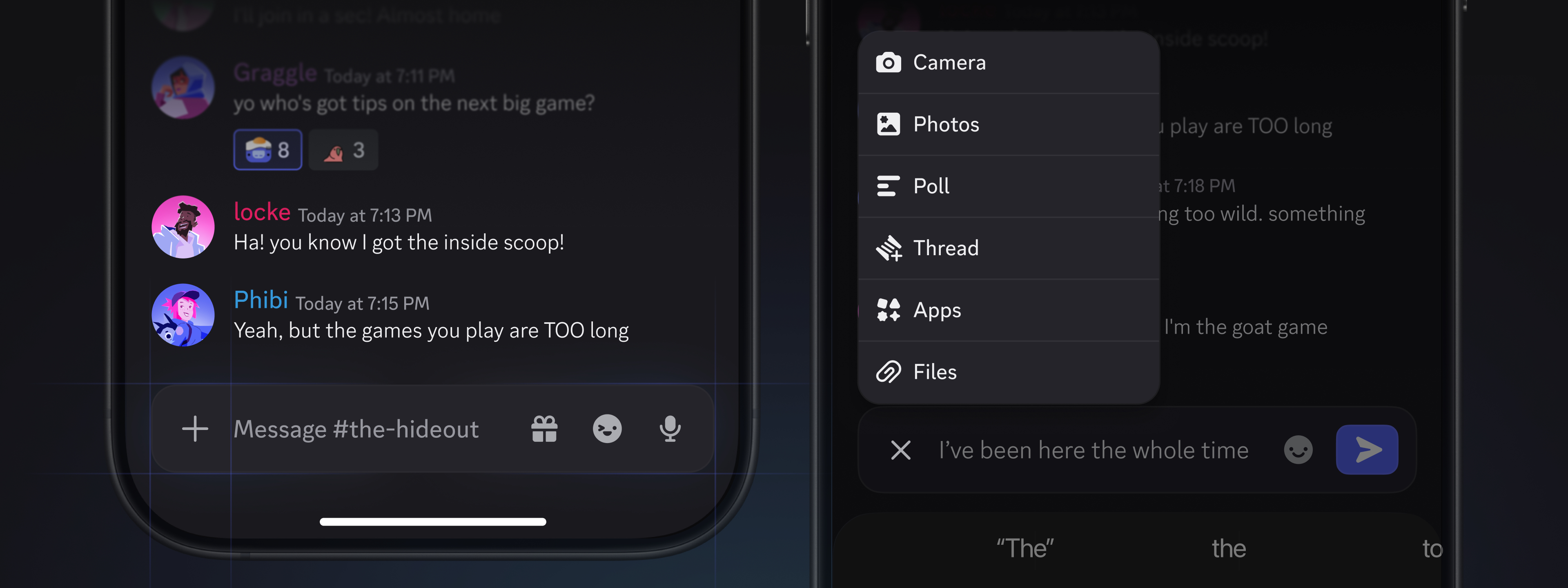
The chat bar’s gotten a little crowded over the years, so we cleaned it up to give you more room for actually, you know, writing a message. Here's what moved, and what stayed put:

  • Still in the chat bar: Emoji, Gift, Voice Message, and your most used quick actions are over on the right, closer to your thumb
  • Moved into the + menu: Threads, using an App
  • New shortcut: long-press the + to jump straight to any action without opening the full menu

If you use Apps or Threads, they're now a tap farther away than they used to be. We know that's a significant change if you reach for them constantly, but the long-press shortcut is meant to close that gap. It won't be identical to a dedicated button, but it's built to keep those features about as quick to reach as before.

An image of the new chat bar and updated attachment menu.

From bringing over all of the desktop app's themes to tidying up shapes and the chat bar, this update is all about making Discord feel more familiar and consistent across platforms. So, no matter which you pick up, it feels the same.

Tags
No items found.

related articles